Positioning elements#
Defining coordinates of an element#
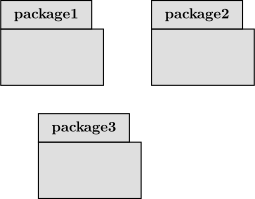
Options x and y allow you to define the position of an element node in a figure. The unit is in cm.
The default value for both of them is 0.
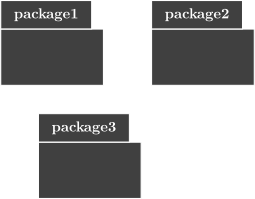
\begin{umlpackage}{package1}
\end{umlpackage}
\begin{umlpackage}[x=4]{package2}
\end{umlpackage}
\begin{umlpackage}[x=1, y=-3]{package3}
\end{umlpackage}
Relative positioning of an element#
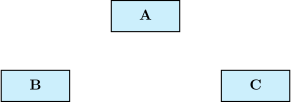
You can use options above, below, left, right, above left, … to define the position of an element relatively to another one.
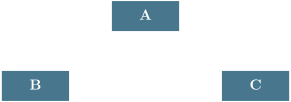
\umlsimpleclass{A}
\umlsimpleclass[below left=1cm and 2cm of A.south]{B}
\umlsimpleclass[right=4cm of B]{C}