Environment umlpackage#
You can define a package with the umlpackage environment:
\begin{umlpackage}{package-name}
\end{umlpackage}
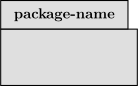
You can set a package stereotype with the option stereo.
\begin{umlpackage}[x=0, y=0, stereo=context]{package-name}
\end{umlpackage}
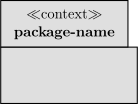
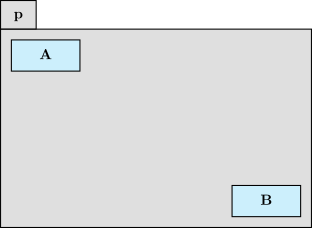
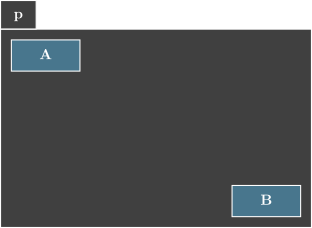
When a package contains classes and sub-packages, its dimensions automatically fit to its content:
\begin{umlpackage}{p}
\umlsimpleclass{A}
\umlsimpleclass[below right=3cm and 4cm of A]{B}
\end{umlpackage}
Warning
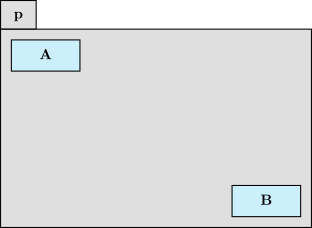
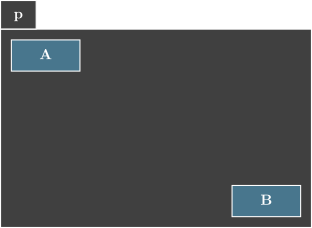
The coordinate system inside a package is the same as the environment tikzpicture. It is automatically shifted so that the top left corner of the bounding box of the content of the package is just below the package name. Let’s see the previous example where coordinates of class À are shifted. You can see that the resulting figure is the same as before.
\begin{umlpackage}{p}
\umlsimpleclass[x=2, y=-3]{A}
\umlsimpleclass[below right=3cm and 4cm of A]{B}
\end{umlpackage}
Hint
For an empty package (that contains no class and no sub-packages), you can use a shortcut command: \umlemptypackage that takes the same arguments and options as the umlpackage environment