Package diagram#
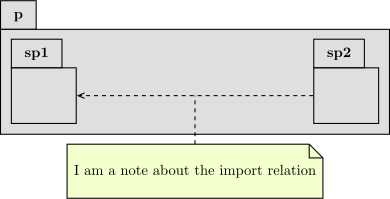
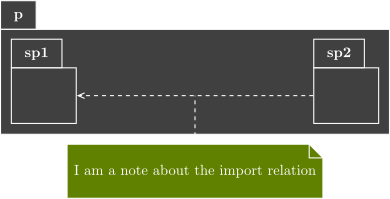
We will now build step by step the picture seen in home page to understand the behavior of each used command.
Definition of packages p, sp1 and sp2#
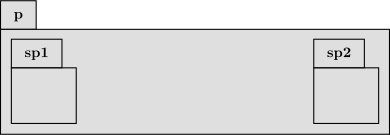
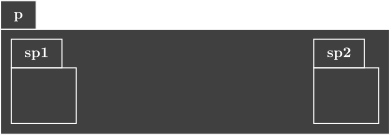
The package p is placed at (0,0) (default), and the sub-packages sp1 and sp2 respectively at (0,0) and (10,-6).
\begin{umlpackage}{p}
\umlemptypackage{sp1}
\umlemptypackage[x=8]{sp2}
\end{umlpackage}
Definition of relations#
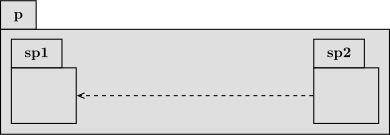
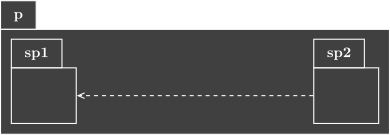
We define an import relation named “import” between sub-packages sp2 and sp1 (with modification of anchors).
\begin{umlpackage}{p}
\umlemptypackage{sp1}
\umlemptypackage[x=8]{sp2}
\end{umlpackage}
\umlimport[name=import]{sp2}{sp1}
Definition of notes#
We add a note attached to the import relation.
\begin{umlpackage}{p}
\umlemptypackage{sp1}
\umlemptypackage[x=8]{sp2}
\end{umlpackage}
\umlimport[name=import]{sp2}{sp1}
\umlnote[x=4, y=-2]{import-1}{I am a note about the import relation}